

|
|
|
|
|
|
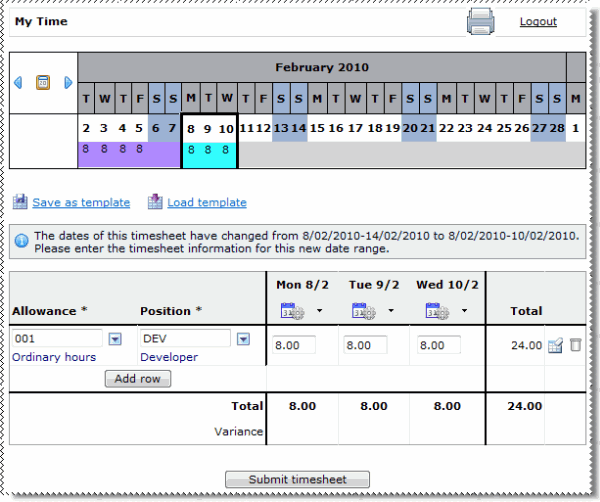
When an employee has multiple Timesheet Settings records, the information that the employee sees in My Time may change when a new record becomes active.
For example:
ESS makes only the days up to 10/02/2010 available (as shown below).
If an employee's timesheet settings change mid-week from Timesheet type = "1. Total by timesheet" to Timesheet type = "2. Timebands by timesheet" (or vice versa), then the settings are not applied until the start of the next week.
|
|
|
 |
Topic: 29170


