

|
|
|
|
|
|
When an employee's new timesheet settings record will have a different period to the existing record, you need to complete the following process.
Scenario
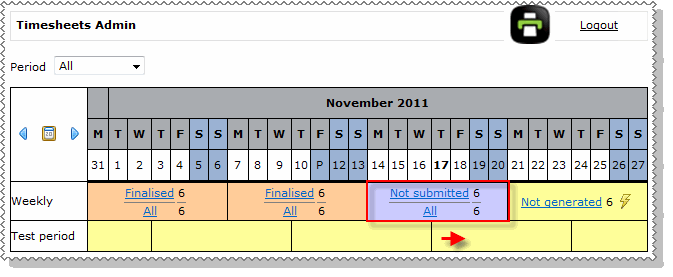
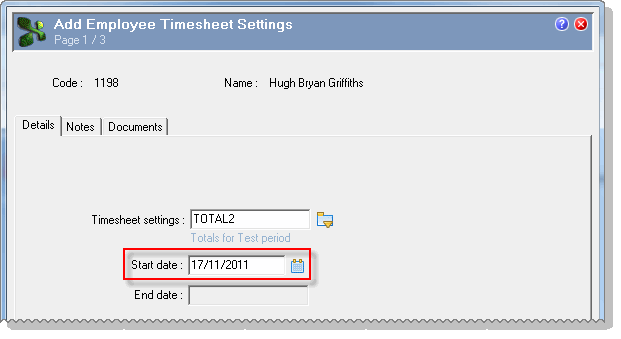
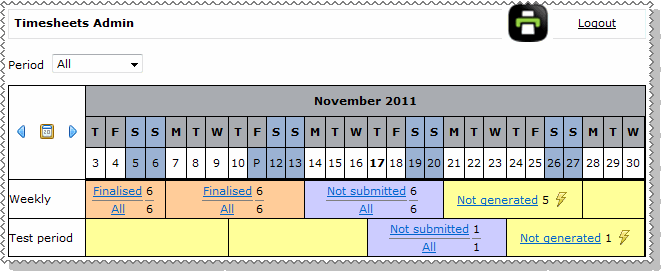
An employee has a timesheet settings record with a weekly period Monday to Sunday. You need to add a new timesheet settings record (to the employee) with a weekly period Thursday to Wednesday. Viewing the two periods from the Timesheets Admin view, the employee's new timesheet settings will start in the period shown by the red arrow.
Complete the following procedures.
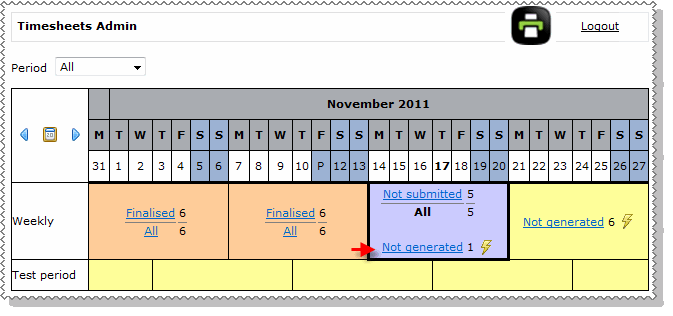
You must delete these future timesheets before you add the new timesheet settings record to the employee.
When the timesheet is deleted, the status changes to Not generated because it no longer exists.
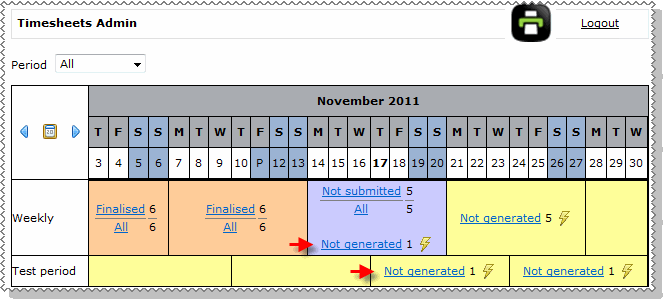
The status of both timesheets changes to Not submitted.
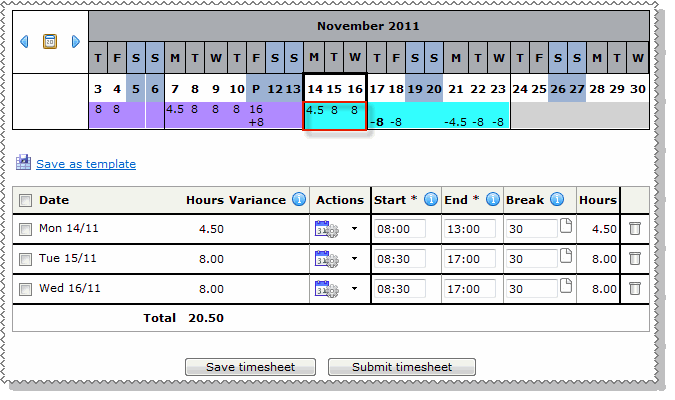
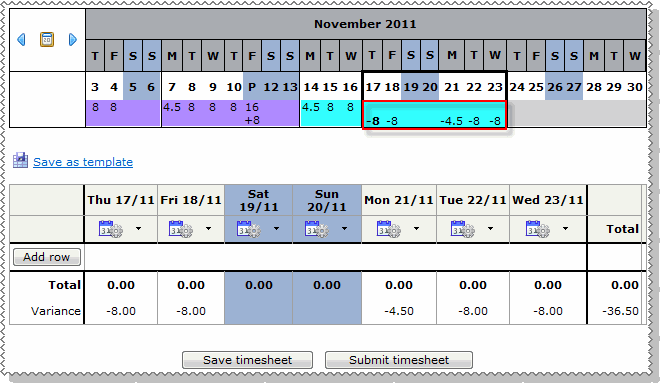
Outcome
Both timesheets are generated for the employee.
|
|
|
 |
Topic: 37752


