

Previous page

Next page

Check ESS

You are viewing the main PayGlobal window.

  1. Open your browser and type the ESS URL in the Address field.
  2. Log on to ESS as an employee.
  3. In the main menu, click My Documents.

    The Documents page appears. The folders that you can see will depend on your setup.
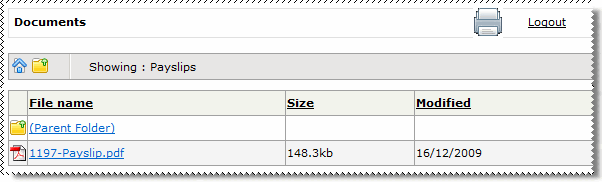
  4. Click the Payslips folder to open it.
  5. Check that you can see a payslip report PDF in the Payslips folder.

    Embedded GIF File 0% Template

The Payslips folder and the payslip report PDF will not appear in the My Payslips folder (Navigation menu) until you set the My Payslips folder ID in the next section.

In This Section

Troubleshooting

Topic: 29773