

|
|
|
|
|
|
Use the Course Feedback page to submit feedback for courses that you have completed.
Courses that you have completed (passed or failed) and not placed feedback for appear on the Course Feedback page.
Note: Your Self-Service Administrator sets the number of days that courses appear on the Course Feedback page.
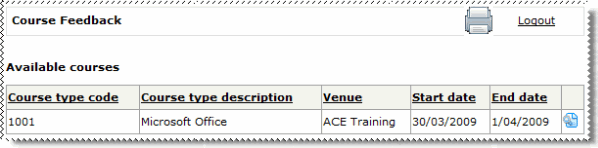
 to open the Course Feedback page for the course.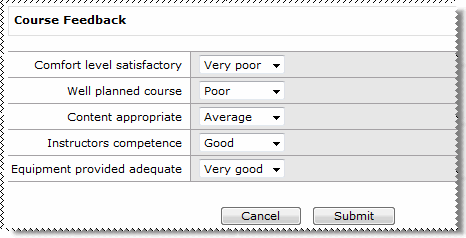
Note: The feedback questions and ratings that you see are specific to your company.
 |
Topic: 28163


