

|
|
|
|
|
|
You can view qualifications for employees who report directly to you.
Use the following procedure to view the qualifications that an employee who reports to you has achieved.
The Employee Qualifications grid appears.
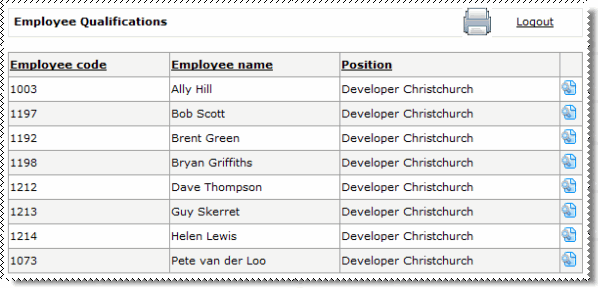
 for the required employee.
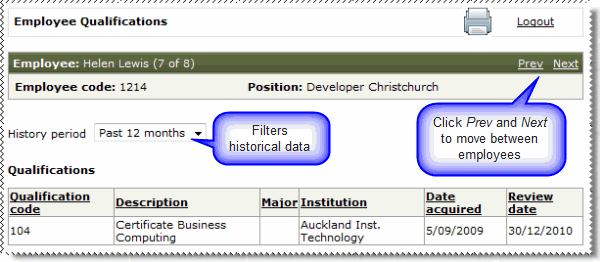
The employee’s My Qualifications page appears.
|
|
|
 |
Topic: 28179


