

|
|
|
|
|
|
The following example explains how managers approve or decline an incident report.
Alternatively, click the Incident link on your home page accordion.
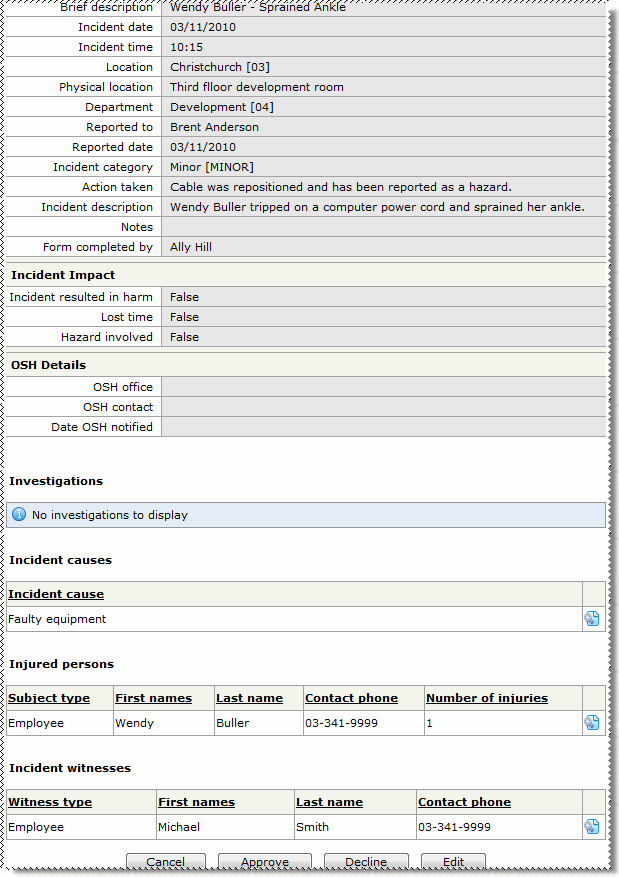
The View Incident page appears. This page displays the form that the employee completed except for the Incident Impact, OSH Details and Investigations sections, which are added to the manager's view.
|
|
|
 |
Topic: 30061


