

|
|
|
|
|
|
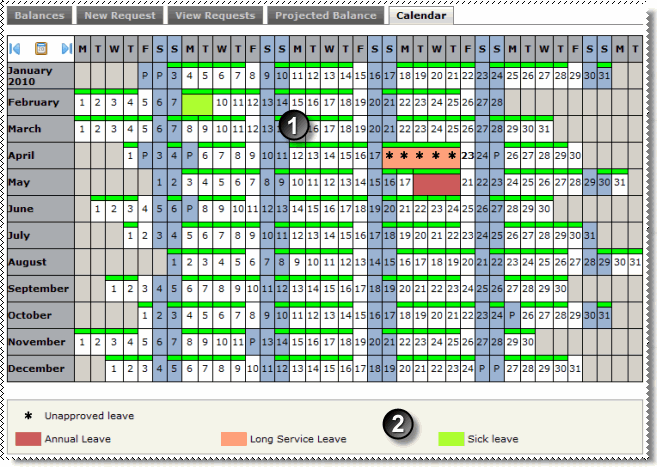
Use the Calendar tab to view your leave information and edit or delete unapproved leave requests.
Note: You can edit and delete approved requests only if your company uses this functionality.
|
Your leave requests are highlighted on the calendar. |
|
The legend shows:
|
You can click a leave day on the calendar to view more information about the request in a popup. The View details link allows you to view your leave request, and you may also be able to edit or delete approved leave requests (see Editing Leave Requests).
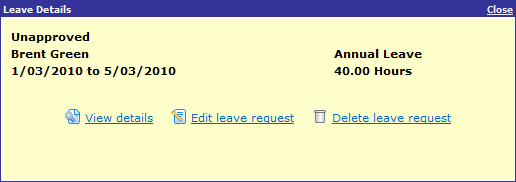
The approved leave popup enables you to view the request.
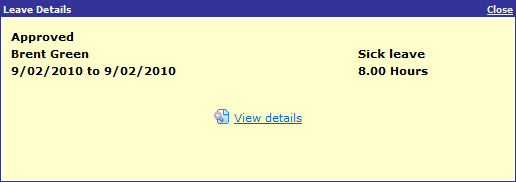
The payroll actioned popup shows leave that you have taken that was deducted from your leave balance.

|
|
|
 |
Topic: 30654


