

|
|
|
|
|
|
After you submit a request, your manager (second level manager) is notified by email.
The following example explains how the second level manager could approve the request.
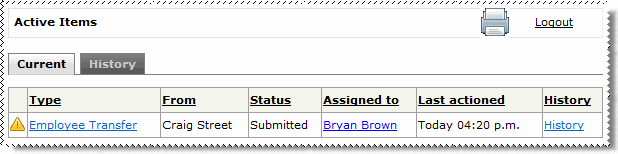
The read-only Employee Transfer form appears.
If the request is declined, then the Decline reason field appears. Your manager must enter a reason for declining the request.
 |
Topic: 31797


