

|
|
|
|
|
|
If you forget your password, then you need to complete the following steps.
The New Password page appears.
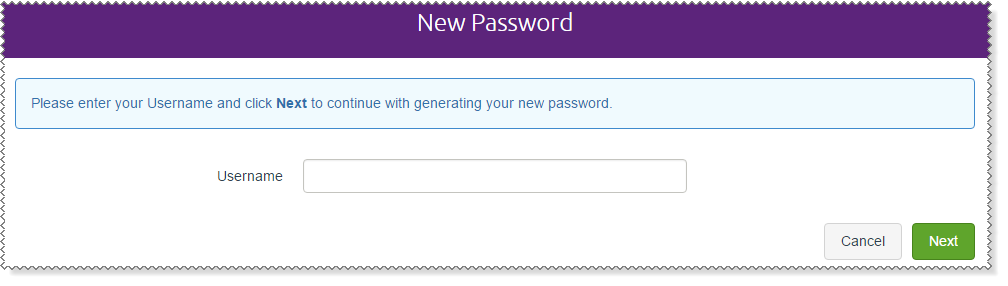
The password questions appear.
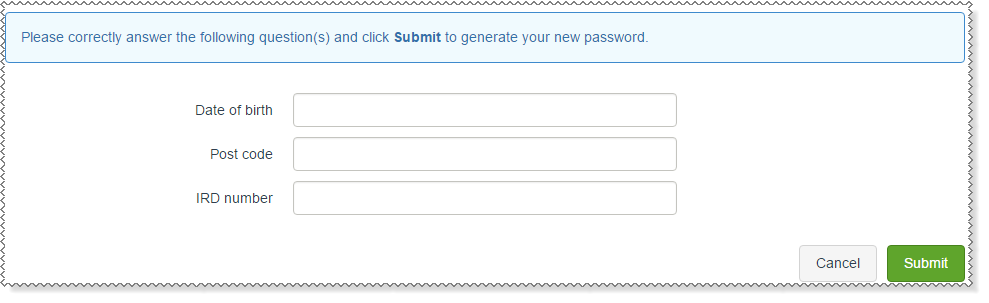
Your company selects the questions that you must answer correctly. The example above uses three security questions, but you may see a different number of questions.
If you answer the security questions correctly, then your password will be emailed to you.

After you log in successfully, you should change your password (see Change Password).
|
|
|
 |
Topic: 33325


