

|
|
|
|
|
|
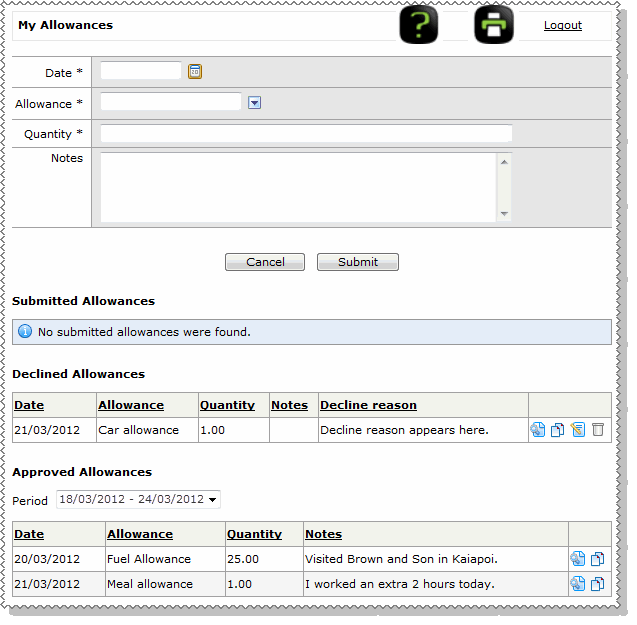
After your manager approves or declines your allowance, the allowance appears in the applicable section on your My Allowances page.
Approved Allowances
Use this section to view all or your allowances by pay period. In the Period combo box, select the date range of the required pay period to see all of your approved allowances for that date range.
Declined Allowances
If your allowance is declined, then you are notified by email. Your allowance will also appear in the Declined Allowances section of your My Allowances page with the reason why your allowance was declined.
Note: The Declined Allowances section is visible only when you have declined allowances.
You have two options:
 to delete the allowance.
 to correct the declined allowance.
When you click the Edit icon, the allowance appears in the form above so you can correct it and then resubmit it to your manager.
|
|
|
 |
Topic: 38506


