

|
|
|
|
|
|
You can use the Employee Development Plan Goals report to see all of your employees incomplete development plans.
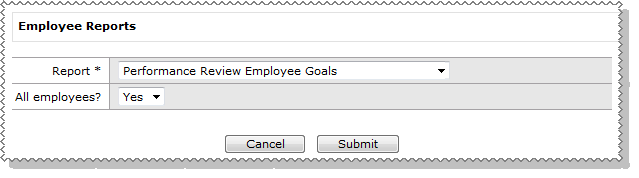
To run the report:
You can run the report for all employees or a specific employee. If you select All employees = 'No', then an Employee lookup appears, which you can select from.
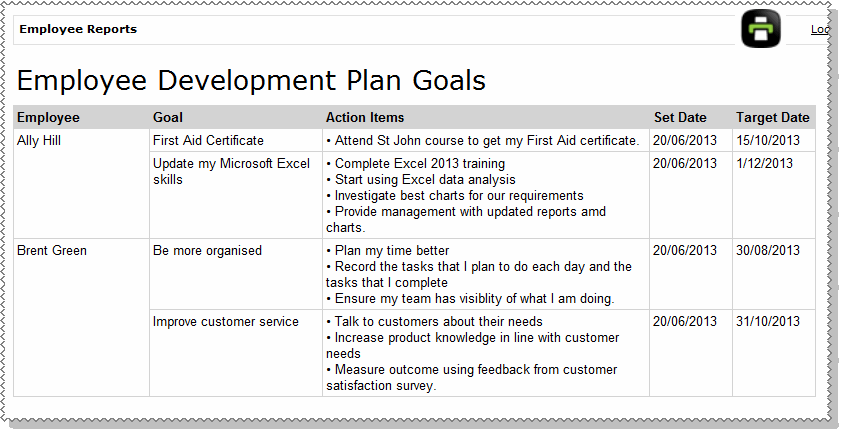
The report displays all incomplete development goals for all of your employees.
When a Complete Date is added to an employee's goal the goal will no longer appear on the report.
Development goals without a Complete Date will carry over to the employee's next performance review, and will continue to appear on this report.
|
|
|
 |
Topic: 41491


