

|
|
|
|
|
|
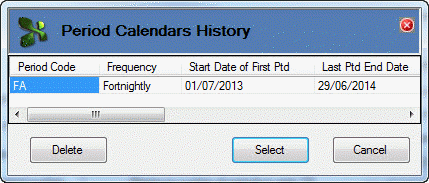
If you need to create a period calendar that is very similar to an existing period calendar, then you could use Find History to load settings for the existing period calendar, and then change the settings as required.
In this example you created a fortnightly Period Calendar for 2013-2014 (FA - Fortnightly A) and you want to create a second fortnightly Period Calendar for 2013-2014 (FB - Fortnightly B).
Field |
Values |
Period |
FB |
Description |
Fortnightly B |
Accept the remaining values because FB - Fortnightly B uses the same records as FA - Fortnightly A.
The tool will not create any new Period records so the log will display "(Period already exists)", but it will create a new calendar.
 |
Topic: 35980


