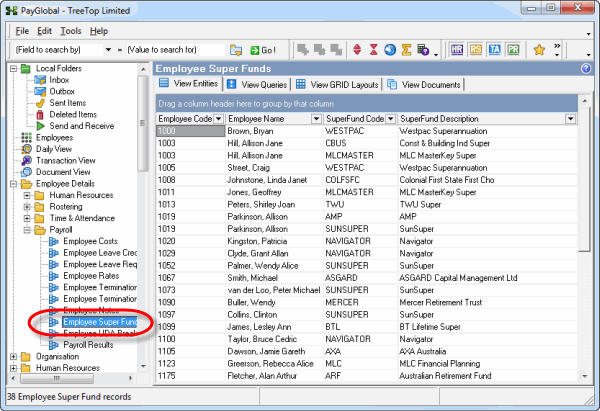
You can generate grid reports from the Employee Super Funds makeup table.
Employee Super Funds reports usually contain too many columns for a standard grid report so you need to save them as Microsoft Excel files.
In This Section
Group by SuperFund
Group by Employee Code
Filter by Dates
Topic: 11373