

|
|
|
|
|
|
You can enter a timesheet on behalf of an employee who reports to you.
The read-only Timesheet Details popup appears.
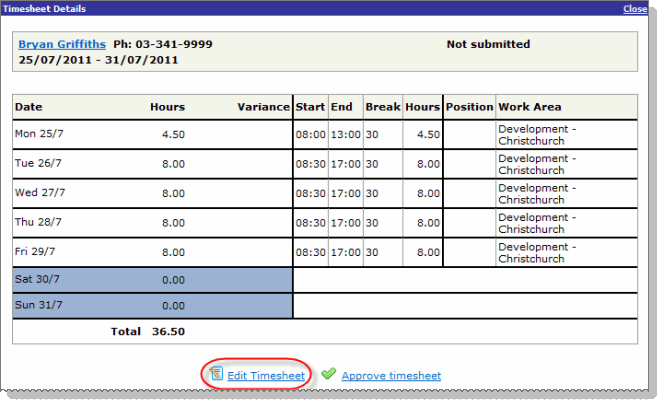
The procedure that you use will depend on the employee's timesheet settings.
For more information about how to complete the timesheet, see:
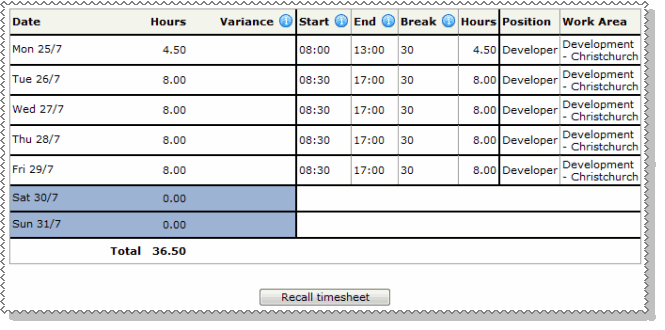
When you approve the timesheet:
If you or the employee want to make any changes to the timesheet, then click the Recall timesheet option to return the timesheet to the employee for editing. The Recall timesheet option is no longer available when the timesheet is finalised.
|
|
|
 |
Topic: 37052


